I have a MeshCore repeater with a yagi pointing at the local mesh, and a Bluetooth companion radio in the house. The trouble is that I’m not always in range of the companion. Messages that arrive while I’m away wait in its small queue, sync was flaky, and only one device could talk to it at a time.
The problem
A companion radio talks to one app at a time and holds only a limited queue of messages while no app is connected. MeshCore 1.18 on a Heltec V3 includes WiFi alongside Bluetooth, which you set up from the serial rescue CLI with set wifi.ssid and set wifi.pwd. That put the radio on my network, which was a good start. But the phone app still drops its connection whenever it’s backgrounded, so I was no better off for messages that arrived while the phone was in my pocket.
What meshkeep does
meshkeep sits between the radio and everything else.
- It keeps one permanent connection to the radio, over WiFi (TCP) or USB serial, and pulls every message off it as it arrives into SQLite.
- It acts as a companion radio for the official MeshCore app on iPhone and Android. You point the app at meshkeep instead of the radio.
- Several devices can connect at once, and each has its own place in the history, so each catches up on whatever it missed.
- It has a web interface for phone, iPad and browser that stays in sync live, with channels, direct conversations, rooms, delivery status and a count of how many times your channel messages were heard repeated.
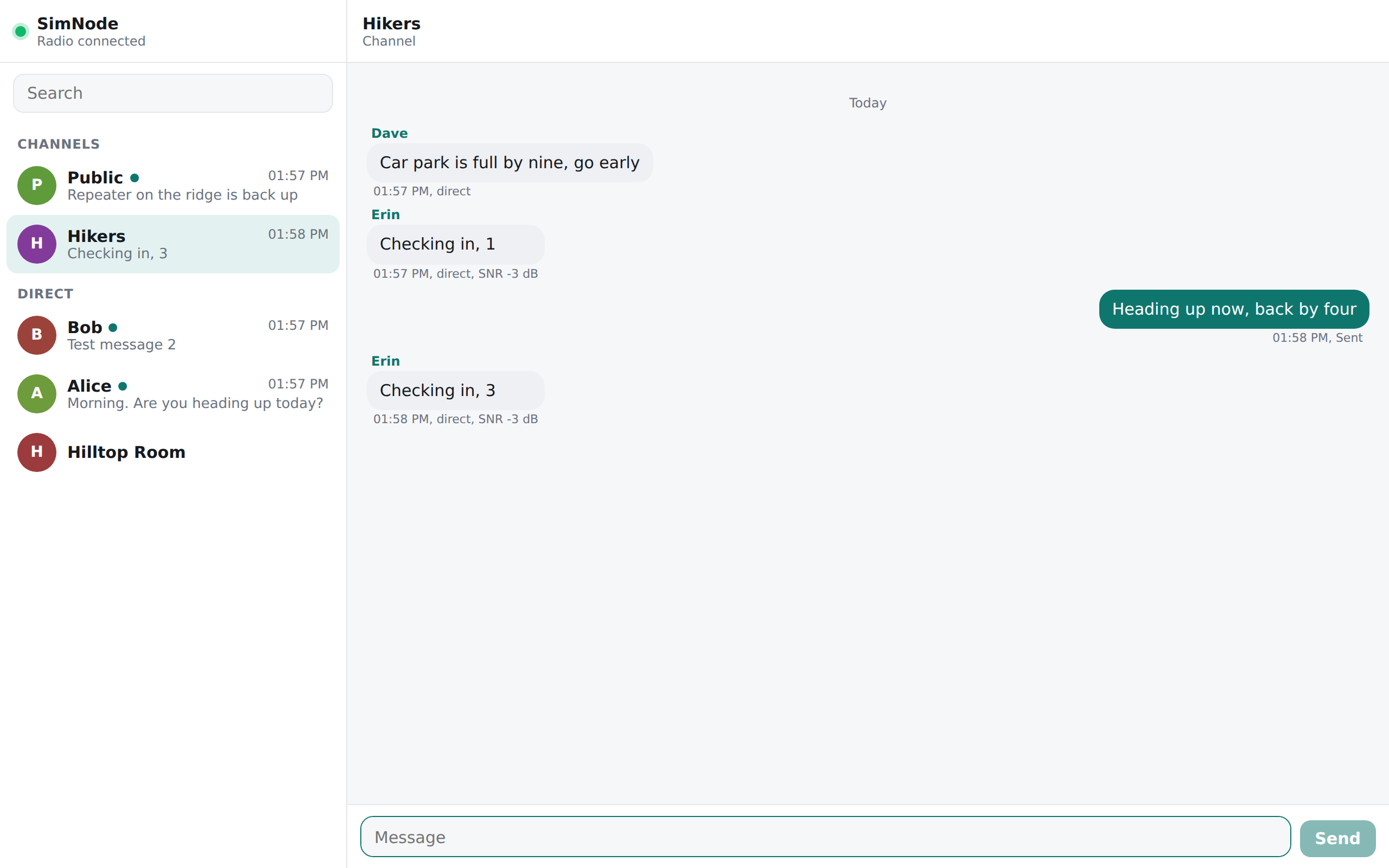
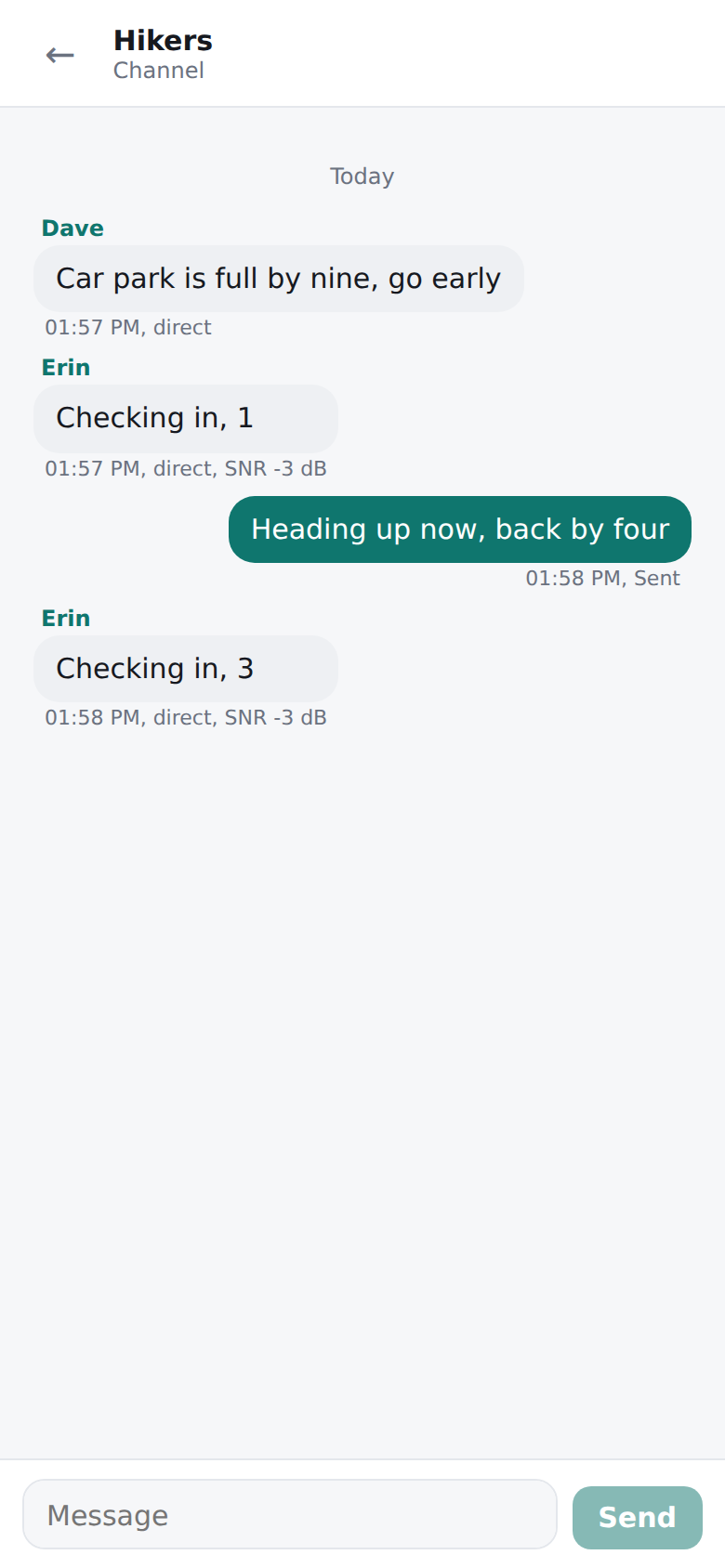
Those screenshots are from the built-in simulator rather than a real radio. It’s written in Rust, licensed AGPL-3.0-or-later, and works with companion radios following the protocol as of firmware 1.18.
Install
On Debian, Ubuntu or Raspberry Pi OS (amd64, arm64 and 32-bit armhf), from the packet-net apt repository:
curl -fsSL https://packet-net.github.io/apt/pubkey.asc | sudo gpg --dearmor -o /usr/share/keyrings/packet-net.gpg
echo "deb [signed-by=/usr/share/keyrings/packet-net.gpg] https://packet-net.github.io/apt ./" | sudo tee /etc/apt/sources.list.d/packet-net.list
sudo apt update
sudo apt install meshkeep
The package doesn’t start meshkeep until you’ve configured it. Edit /etc/meshkeep/meshkeep.toml to say where the radio is and set a web password, then sudo systemctl enable --now meshkeep. The README has the details, and there’s a Docker option too.
Connecting the app
In the MeshCore app, add a WiFi/TCP connection to the meshkeep machine’s address and a listener’s port. The app behaves as if it were talking to the radio directly. Give each device its own listener, for example port 5000 for the phone and 5001 for the tablet, so each keeps its own place in the history. The web interface is on port 8080 by default in the example config.
Limitations
A few honest ones, all covered in the design notes.
- The app has no way to be told about a message sent from another device. meshkeep works around this by handing it to the other apps as an incoming message from “You”, so a web send to a channel shows as “You: hello”, and a direct message shows in that conversation starting “You: “. If you’d rather not have that, one line in the config turns it off.
- Delivery to the app is at least once. If an app’s connection drops at the wrong moment, the message it was being handed is delivered again next time, so a rare duplicate is possible. Nothing is lost, which matters more to me than the occasional repeat.
- Some radio settings, such as flood scope and message signing, are per session in the firmware. With several apps connected they share them.
- Two devices sharing one listener share one place in the history, so each sees only some of the messages. Use one listener per device.
It’s early days (0.2.0 at the time of writing), so expect rough edges. If something doesn’t work or you’d like something added, please open an issue.
Links
- meshkeep on GitHub, with the README and design notes
- Issues: bugs, questions and ideas welcome
- MeshCore and meshcore-dev on GitHub
MeshCore is mentioned here only to describe compatibility; meshkeep is an independent project.